MorphoWeave

The MorphoWeave morphospace deforms a template surface mesh using a statistical shape model (SSM) exported from a MorphoWeave Model Library / DATABASE folder. TraitBlender matches the MorphoWeave SSM Explorer workflow:
- Dense PCA — reconstruct target landmark positions from principal-component weights.
- Local RBF — warp the template mesh so it follows the landmark motion.
Traits are multiples of the per-mode standard deviation (σ), the same units as the PC sliders in MorphoWeave’s SSM Explorer and 3D Slicer.
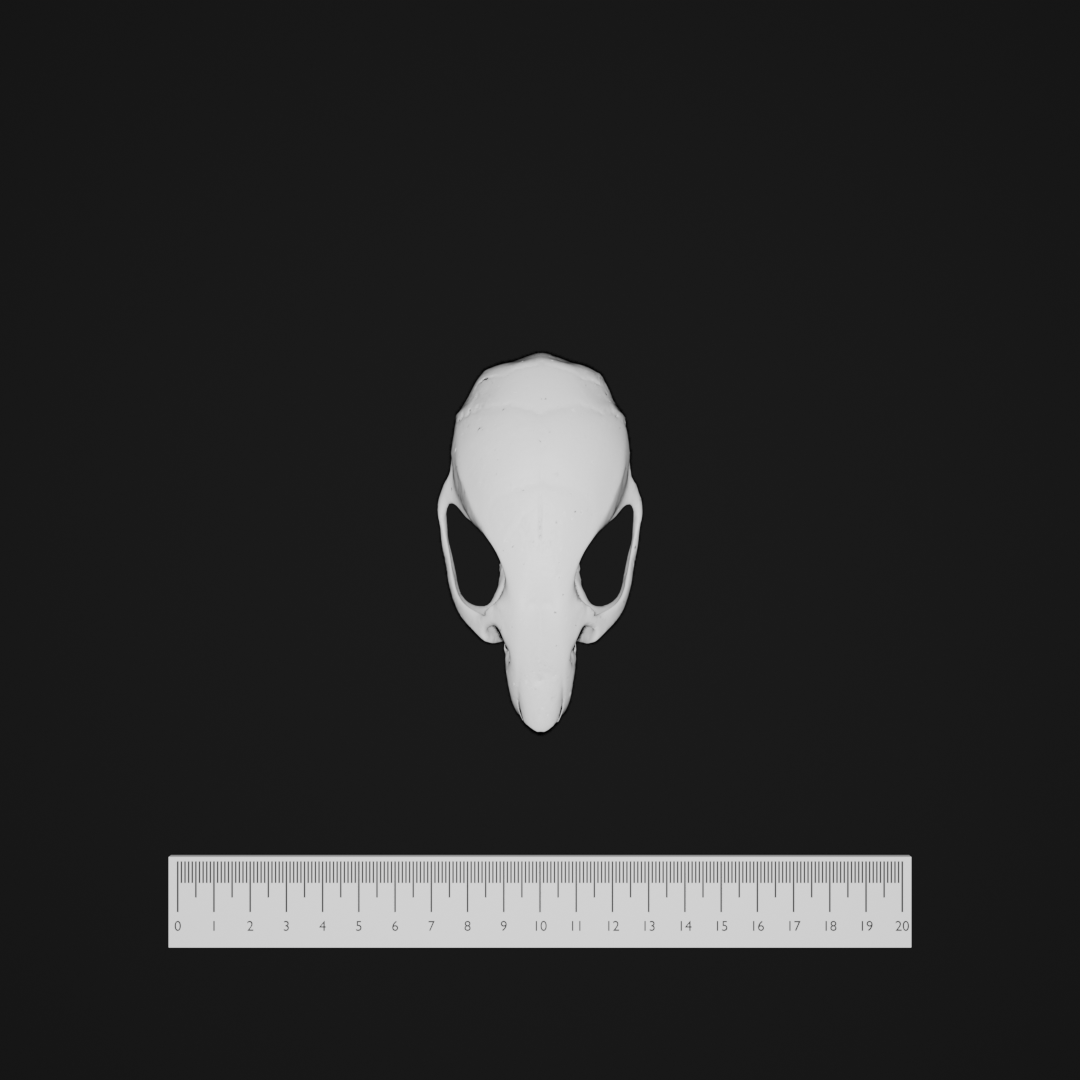
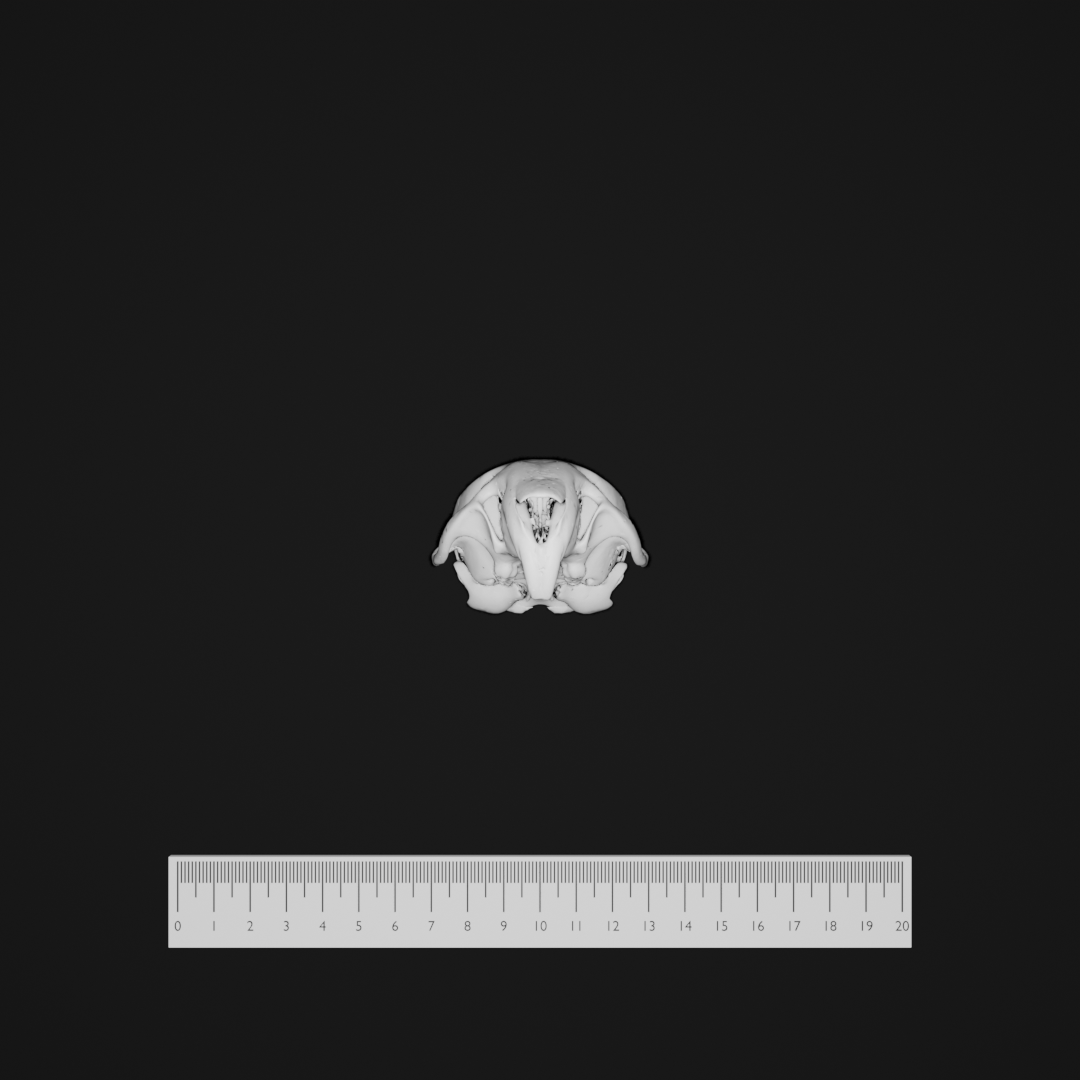
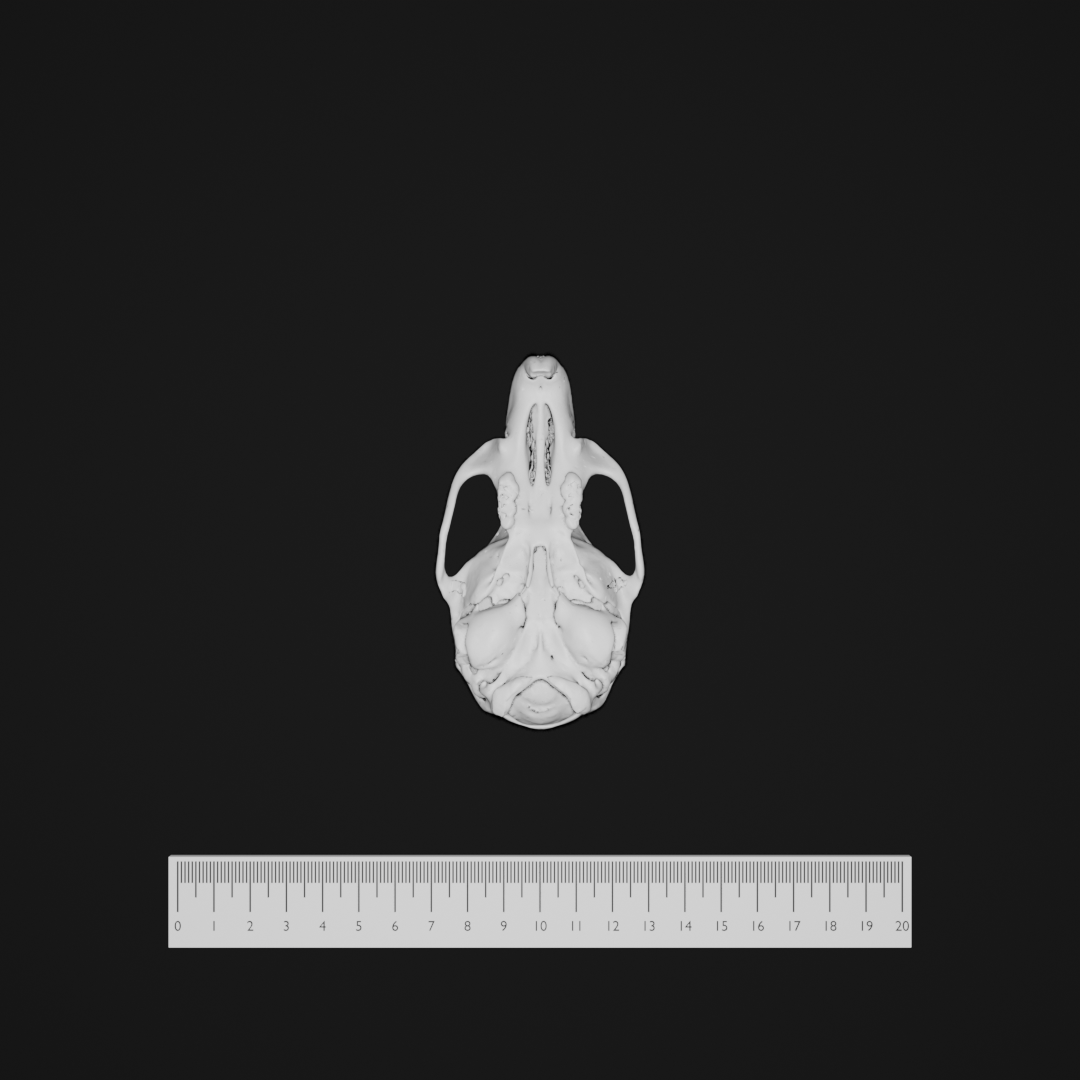
Prerequisites
You need a complete MorphoWeave Model Library export directory on disk. TraitBlender resolves these files automatically (via manifest.json when present, or by filename patterns):
| Role | Typical filename |
|---|---|
| Template mesh | template_model.ply (also .vtk, .vtp, .stl, .obj) |
| Dense correspondences | dense_correspondences.mrk.json (or .json / .fcsv) |
| SSM | ssm_model.npz |
Set the folder path in the Configuration panel under morphospace → hyperparams → database_dir, or in YAML:
morphospace:
  name: MorphoWeave
  hyperparams:
    database_dir: "C:/path/to/your/MorphoWeave_ModelLibrary_export"
    n_components: 10
    scale: 1.0
ShapeCommons / Slicer exports: Template meshes from ShapeCommons and many Slicer exports are stored in LPS. TraitBlender always applies the LPS↔RAS conversion required for correct alignment with the SSM and dense landmarks (you do not need to configure this).
Traits (dataset columns)
Traits are pc1, pc2, … up to the number set by the n_components hyperparameter (default 10), but never more than the number of modes in your ssm_model.npz. Each value is a σ-multiple for that principal component:
| Trait | Default | Description | Typical range |
|---|---|---|---|
pc1 … pcN |
0.0 |
Weight on PC i in units of standard deviation (√λᵢ). 0 = no contribution along that mode. |
Often explored in roughly −3 to +3 (same as MorphoWeave SSM Explorer sliders). |
The number of trait columns in your dataset should match n_components. When you change n_components in the Configuration panel, regenerate or re-import the dataset so column headers stay in sync.
Example dataset row:
Hyperparameters (configuration)
| Hyperparameter | Default | Description | Typical range / notes |
|---|---|---|---|
database_dir |
(empty) | Absolute or Blender-relative path to the MorphoWeave Model Library / DATABASE folder. Required before generating samples. | Folder containing manifest.json (recommended) or the standard file set. |
n_components |
10 |
How many PCs appear as dataset traits (pc1 … pcN). |
At least 1; cannot exceed the number of modes in ssm_model.npz. |
scale |
1.0 |
Uniform scale applied to deformed vertex positions after the RBF warp. | Positive; 1.0 = no extra scaling. |
Orientations
MorphoWeave defines many named orientations for multi-view imaging:
- Default — specimen centered on the table (no rotation).
- X / Y / Z n/4 π Rotation — rotations in π/4 steps about each axis (for comparable views across specimens).
You can also define custom Euler orientations (any morphospace) in the Orientations panel or in YAML under imaging.custom_orientations (name → [rx, ry, rz] in radians). Customs run Default, apply the Euler in the specimen's local frame (relative to the post-Default pose, before bake), then recenter at geometry bounds.
Select an orientation in the Orientations panel and click Apply, or include multiple orientations in the imaging pipeline.
Mesh export
For 3D analysis, prefer exporting MorphoWeave meshes without Default table placement so they stay in the SSM/PCA frame:
(orient_before_export defaults to true for backward compatibility with other morphospaces.) Imaging orientations still apply to rendered views. See Configuration Files — Mesh export.
References
- Porto, A. MorphoWeave: Atlas-based 3D landmark transfer and statistical shape modeling. GitHub repository. https://github.com/agporto/SlicerMorphoWeave
- TraitBlender’s implementation follows the MorphoWeave Model Library / SSM Explorer workflow (template-centered PCA + local RBF deformer).