ATLAS
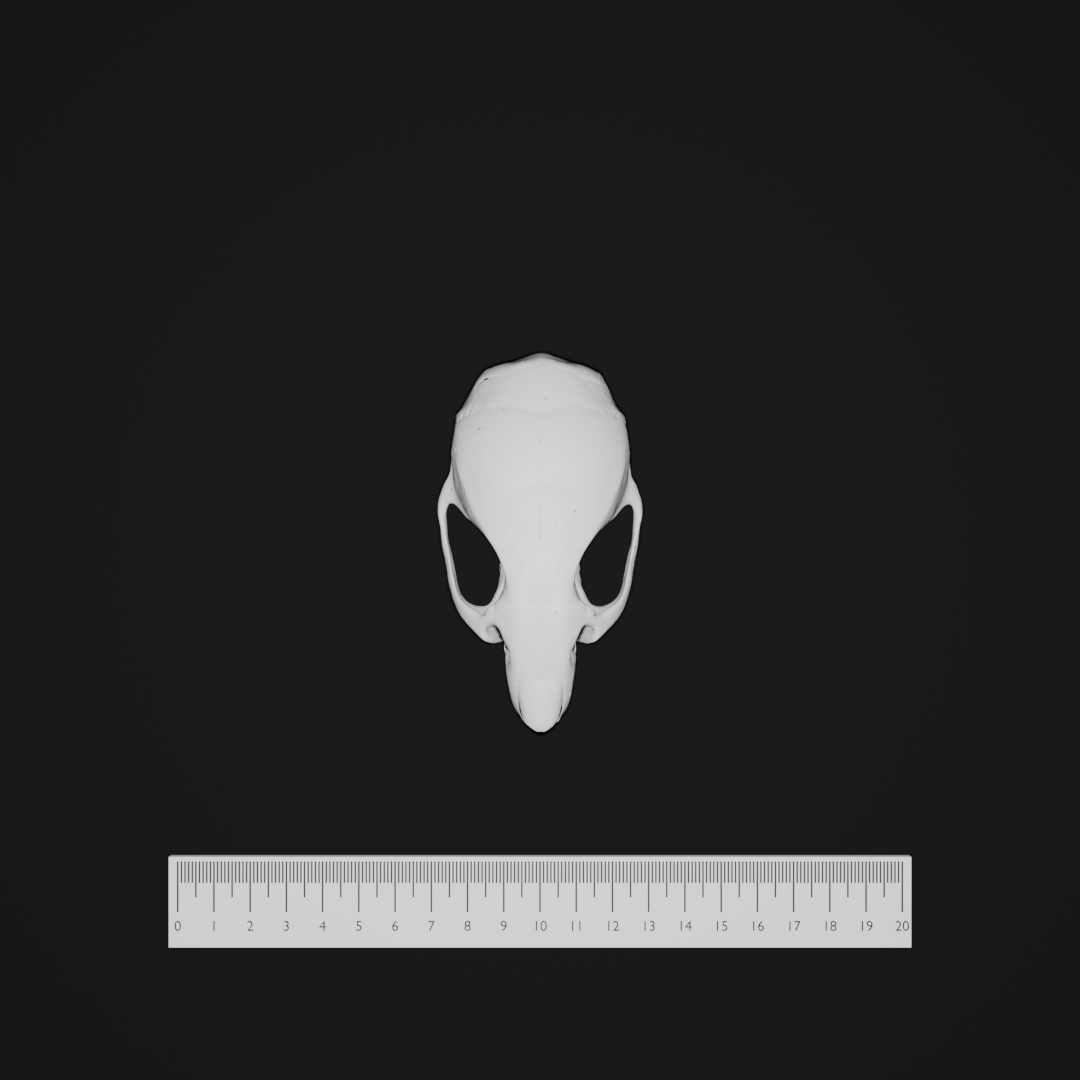
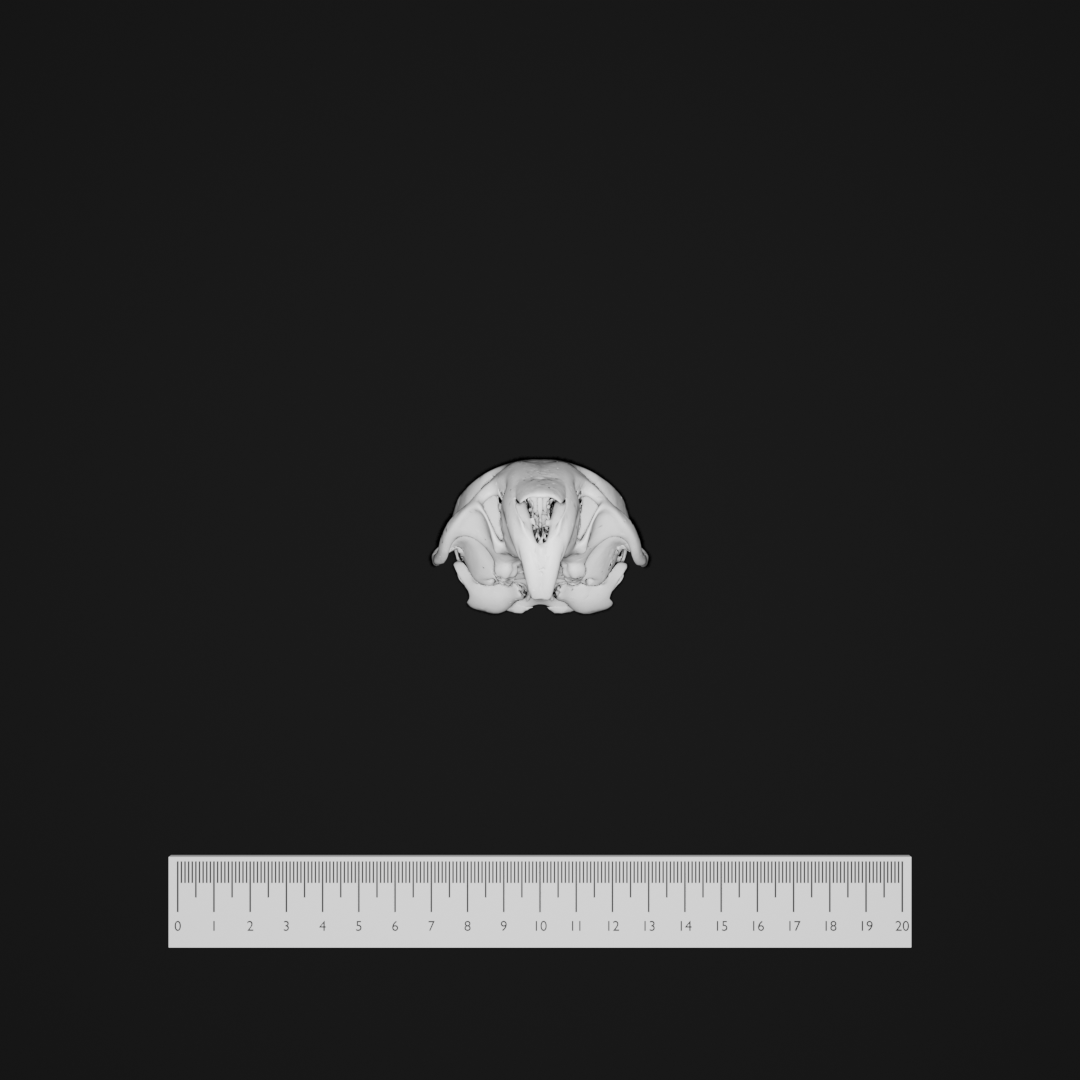
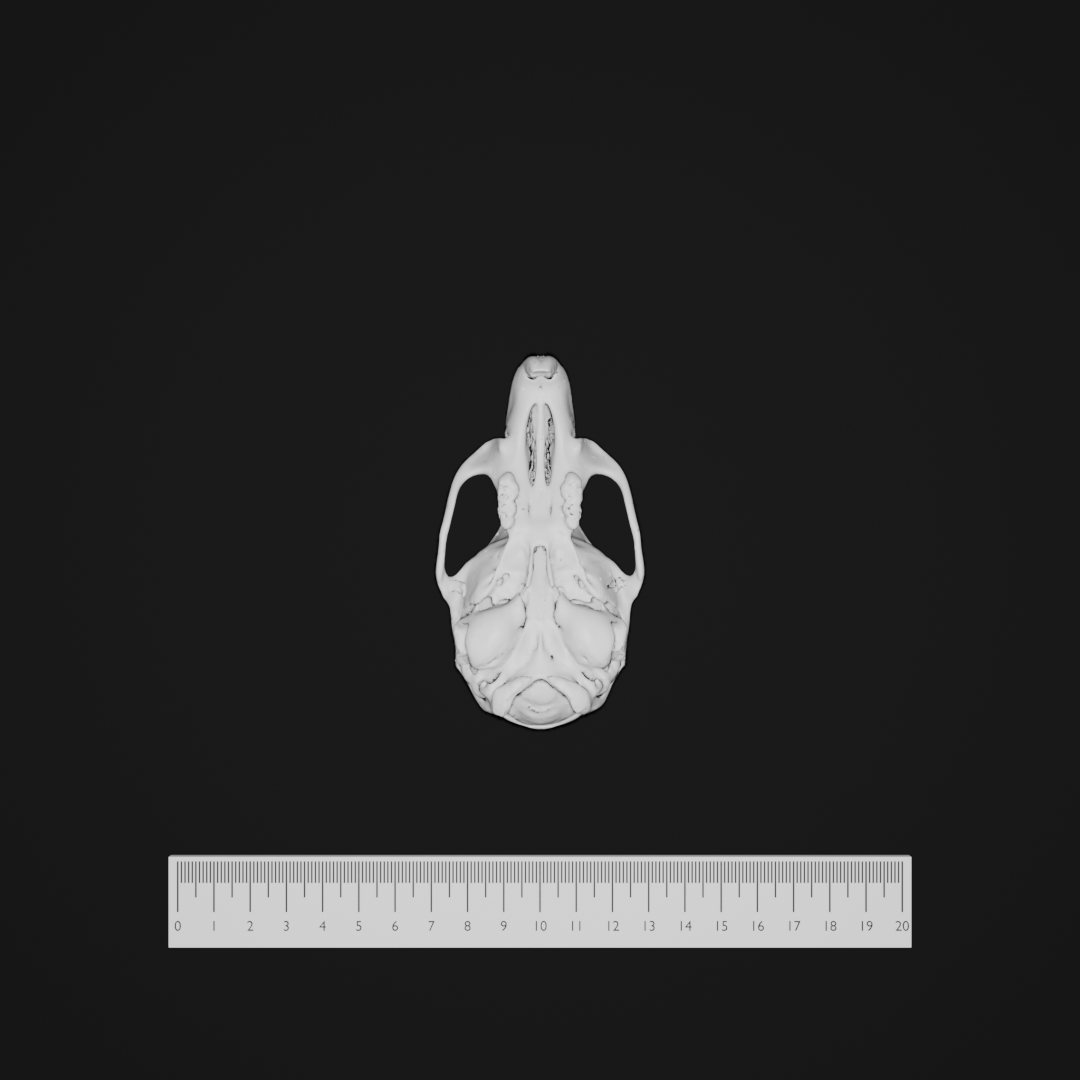
The ATLAS morphospace deforms a template surface mesh using a statistical shape model (SSM) exported from an ATLAS DATABASE folder. TraitBlender matches the ATLAS DATABASE explorer workflow:
- Dense PCA — reconstruct target landmark positions from principal-component weights.
- Local RBF — warp the template mesh so it follows the landmark motion.
Traits are multiples of the per-mode standard deviation (σ), the same units as the PC sliders in ATLAS DATABASE and 3D Slicer.
Prerequisites
You need a complete ATLAS DATABASE export directory on disk. TraitBlender resolves these files automatically (via manifest.json when present, or by filename patterns):
| Role | Typical filename |
|---|---|
| Template mesh | template_model.ply (also .vtk, .vtp, .stl, .obj) |
| Dense correspondences | dense_correspondences.mrk.json (or .json / .fcsv) |
| SSM | ssm_model.npz |
Set the folder path in the Configuration panel under morphospace → hyperparams → database_dir, or in YAML:
morphospace:
  name: ATLAS
  hyperparams:
    database_dir: "C:/path/to/your/ATLAS_DATABASE_export"
    n_components: 10
    scale: 1.0
ShapeCommons / Slicer exports: Template meshes from ShapeCommons and many Slicer exports are stored in LPS. TraitBlender always applies the LPS↔RAS conversion required for correct alignment with the SSM and dense landmarks (you do not need to configure this).
Traits (dataset columns)
Traits are pc1, pc2, … up to the number set by the n_components hyperparameter (default 10), but never more than the number of modes in your ssm_model.npz. Each value is a σ-multiple for that principal component:
| Trait | Default | Description | Typical range |
|---|---|---|---|
pc1 … pcN |
0.0 |
Weight on PC i in units of standard deviation (√λᵢ). 0 = no contribution along that mode. |
Often explored in roughly −3 to +3 (same as ATLAS DATABASE sliders). |
The number of trait columns in your dataset should match n_components. When you change n_components in the Configuration panel, regenerate or re-import the dataset so column headers stay in sync.
Example dataset row:
Hyperparameters (configuration)
| Hyperparameter | Default | Description | Typical range / notes |
|---|---|---|---|
database_dir |
(empty) | Absolute or Blender-relative path to the ATLAS DATABASE folder. Required before generating samples. | Folder containing manifest.json (recommended) or the standard file set. |
n_components |
10 |
How many PCs appear as dataset traits (pc1 … pcN). |
At least 1; cannot exceed the number of modes in ssm_model.npz. |
scale |
1.0 |
Uniform scale applied to deformed vertex positions after the RBF warp. | Positive; 1.0 = no extra scaling. |
Orientations
ATLAS defines many named orientations for multi-view imaging:
- Default — specimen centered on the table (no rotation).
- X / Y / Z n/4 π Rotation — rotations in π/4 steps about each axis (for comparable views across specimens).
Select an orientation in the Orientations panel and click Apply, or include multiple orientations in the imaging pipeline.
References
- Porto, A. (2025). ATLAS: Automated Template-based Landmark Alignment System. GitHub repository. https://github.com/agporto/ATLAS
- TraitBlender’s implementation follows the ATLAS DATABASE explorer (template-centered PCA + local RBF deformer).